Pick a sample to try, or upload the artwork you want to trace.
IMAGE
SELECTED IMAGE
Sample: Face
This is what will appear on your surface
EDIT IMAGE
LINE INTENSITY 60%
01Line art and high-contrast images trace best.
02Use Crop to frame just the part you want on the surface.
03Sketch lines turns a photo into traceable outlines.
TRACKING
HOW WIDE DID YOU DRAW IT? 5 cm
Tip: draw clearly in dark pen, keep it flat and fully visible. Measuring the width accurately makes tracking lock faster. Print instead ›
SURFACE
In AR, use the Curve slider to bend the image until it hugs the surface.
01Keep paper still is best for walls and tables.
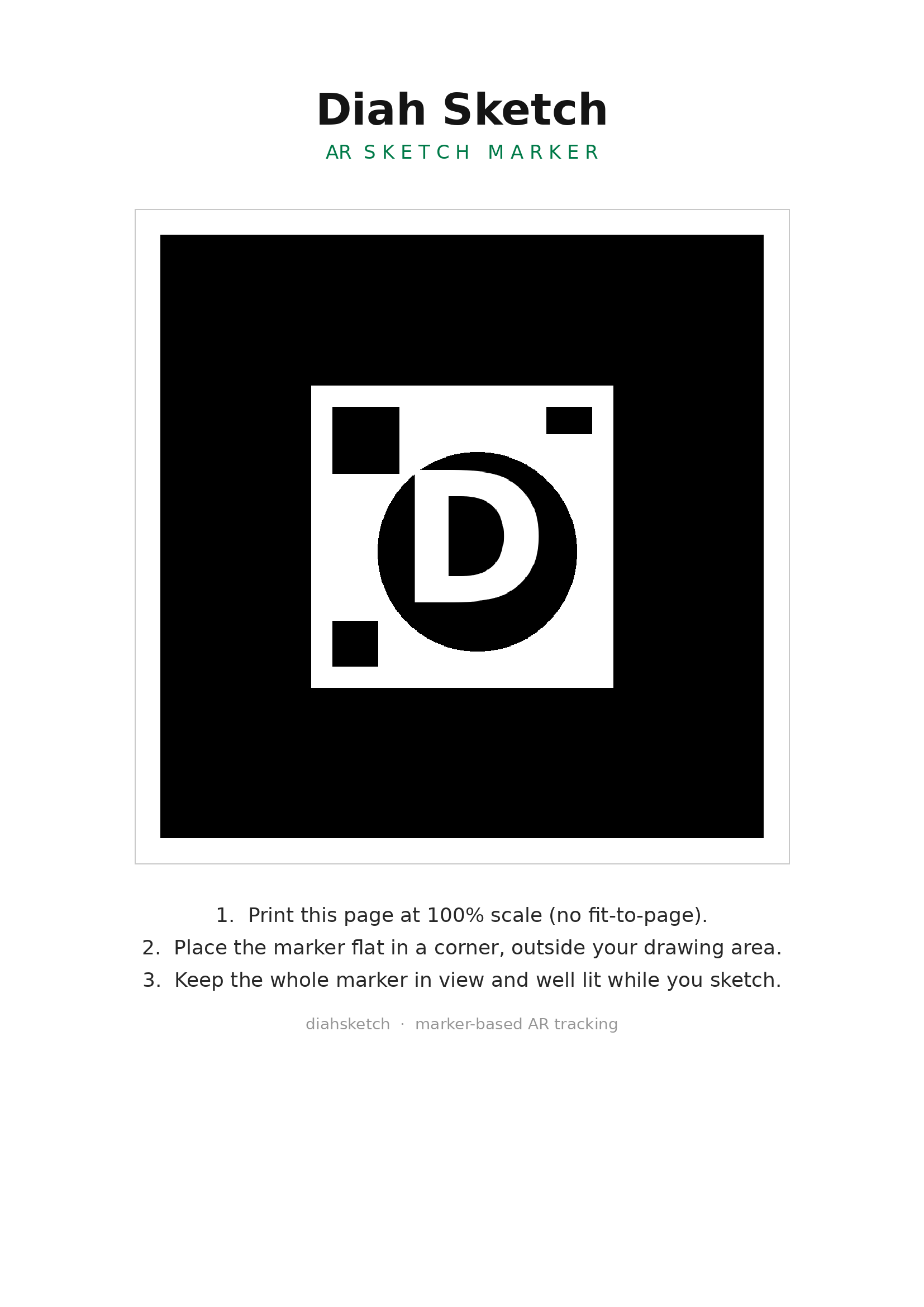
02Follow marker lets the image ride a moving sketchbook — draw the symbol first.
03Pick the surface shape so the image bends to match it.
RECORD PROCESS
VIDEO SHOWS
01Recording saves straight to your Photos when you stop.
02My sketch only hides the reference from the video — perfect for sharing.
03Time-lapse speeds a long session into a short clip.
WHAT HAPPENS NEXT
01Mark the 4 points. Tap the corners of your drawing area, starting top-left. Tap the wall itself, not objects in front of it.
02Review the mesh. Pick a point and nudge it with the arrows until each corner sits exactly right.
03Touch the wall. Move the phone until it touches the surface, then confirm — this measures the true depth.
04Fit and Lock. Pinch, drag and twist the image, fine-tune with Adjust, then tap Lock.
05Draw. Set the guide opacity and trace. For close-up detail, prop the phone and tap Pin.
✦ Pro feature
Upgrade to unlock this.
Export image
Choose resolution. HD and Print require Pro.
Low
720px
Medium
1080px
HD
2160px
🔒
Print
300dpi
🔒
Start a new sketch
Choose how you want to transfer your reference onto paper.
Prep your surface
Before you snap, scatter a few quick marks across your paper. They give the overlay anchor points so your reference lines up accurately.
Scribble random shapes, numbers, letters and symbols.
Spread them evenly — corners and centre, not one cluster.
Keep them light; they're just guides you can erase later.
✦ Free Plan
Your reference. On your canvas. In seconds.
Draw Smarter · Sketch Freely · Create Accurately
Free forever · Pro from $2/wk · $109.99 lifetime
Snap Surface
Step 1 of 3
Snap · Pick · Edit
Align drawing surface in the frame
Crop Surface
Optional
Crop drawing area
Drag corners to crop, or Skip to use full photo.
Add References
Step 2 of 3
Pick reference images
Tap to add reference images
Pick one or multiple. Long-press a selected image to remove it.
Photo Library
Multi-select OK
Take Photo
New reference
Selected
0 selected
Sketch Editor
Tap a reference to select
Opacity60%
Size100%
Prevents distortion
Flip H
Flip V
↺ 90°
↻ 90°
180°
Reset
Lock
Size4
Clear
Zoom100%
Rotate0°
↺ 90°
↻ 90°
Reset view
Pinch the image with two fingers to zoom, twist to rotate, and drag with two fingers to pan — even after locking. Sliders above work too.
Speed1.4s
Strobe flashes the reference on and off against your drawing — the quickest way to spot proportion errors and train your eye.
Turns the selected reference into traceable outlines.
My Projects
0 saved
Plans & Pricing
Simple pricing. Own it forever.
Start free. Upgrade when ready.
Purchase securely on the website · activate here with your email
Free
$0
always free
Doodle Mapping mode
Local project saving (on-device)
Import & export .dsx projects
3 image exports per day
Low-resolution export
"Created with Diah Sketch" watermark
AR Sketch — sample line-art images
AR with your own images is Pro
No high-resolution export
Pro Weekly
$2
per week · cancel anytime
Everything in Free
AR Sketch with your own images
Unlimited HD exports · no watermark
Pro Monthly
$4.99
per month · cancel anytime
Everything in Free
AR Sketch with your own images
Unlimited exports
High-resolution export
No watermark
All future Pro features
Save 33%
Pro Yearly
$39.99
per year · vs $59.88 monthly
Everything in Pro Monthly
Two months free vs monthly
AR Sketch · unlimited HD exports
No watermark
All future Pro features
Best value
Lifetime
$109.99
one-time · no subscription ever
Everything in Pro, forever
All future Pro features included
AR Sketch · unlimited HD exports
Works fully offline
Locked-in early-adopter price
Purchases are made on the website — activate here with your email.
Diah AR Sketch
Marker-based tracing
1
Choose your reference
JPG, PNG or WEBP — the image you'll trace onto your surface.
Tap to add reference
From your photos or files
2
Alignment method
Free overlay floats the reference over your camera — best for large walls and moving up & down, with no marker to lose. Marker tracking locks the overlay to a printed marker.