 Diah Sketch
Your art. On any wall.
Exactly where you planned it.
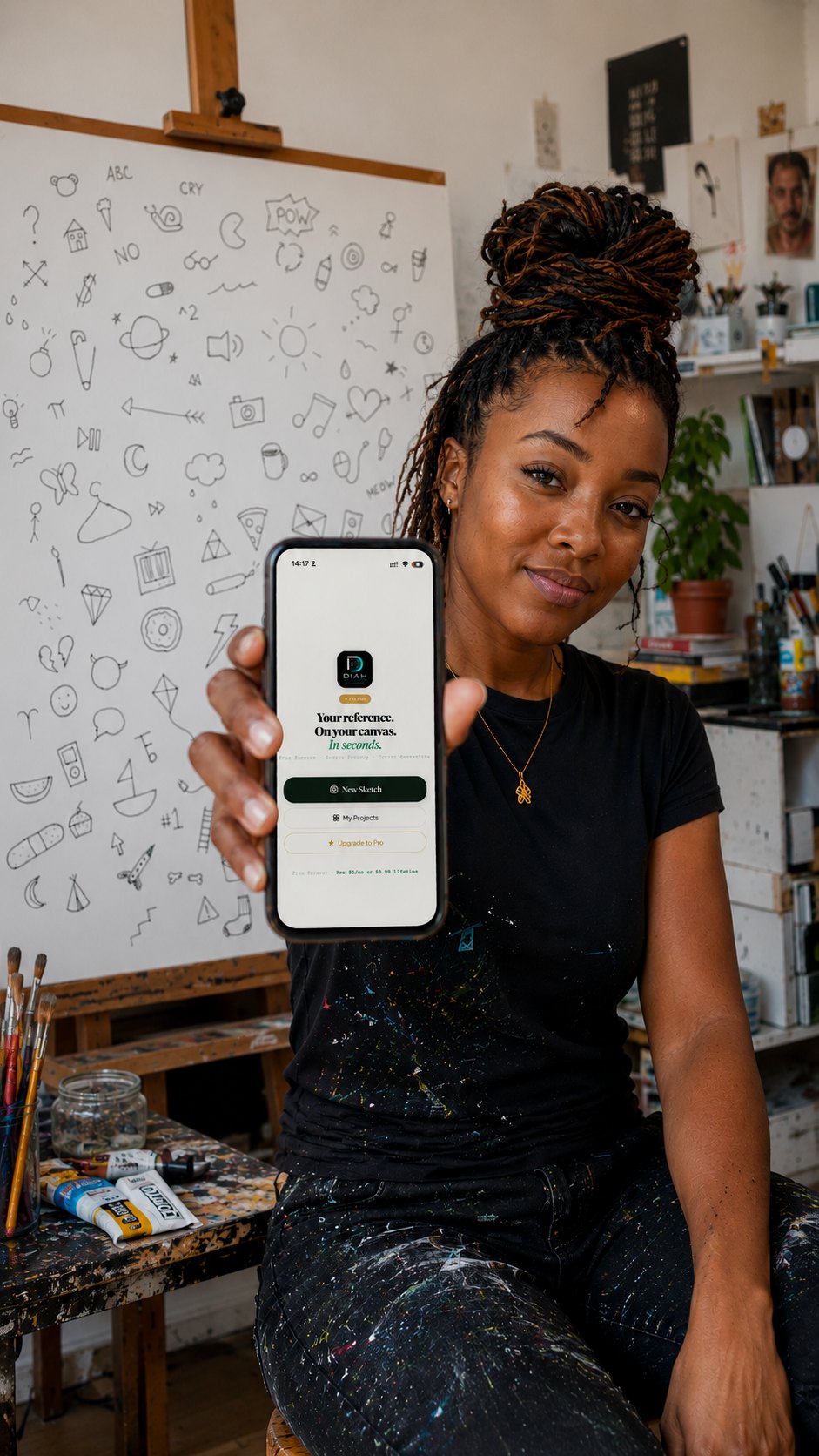
Diah Sketch locks your reference onto real paper, canvas — or a four-storey wall — and holds it in true perspective while you draw. No projector. No grids. No stencils.
The transfer was
always the hard part.
Your talent was never the problem. Diah Sketch removes the hour of setup so you spend your time drawing.
Pick the method
that fits your surface.
① Scribble Mapping FREE
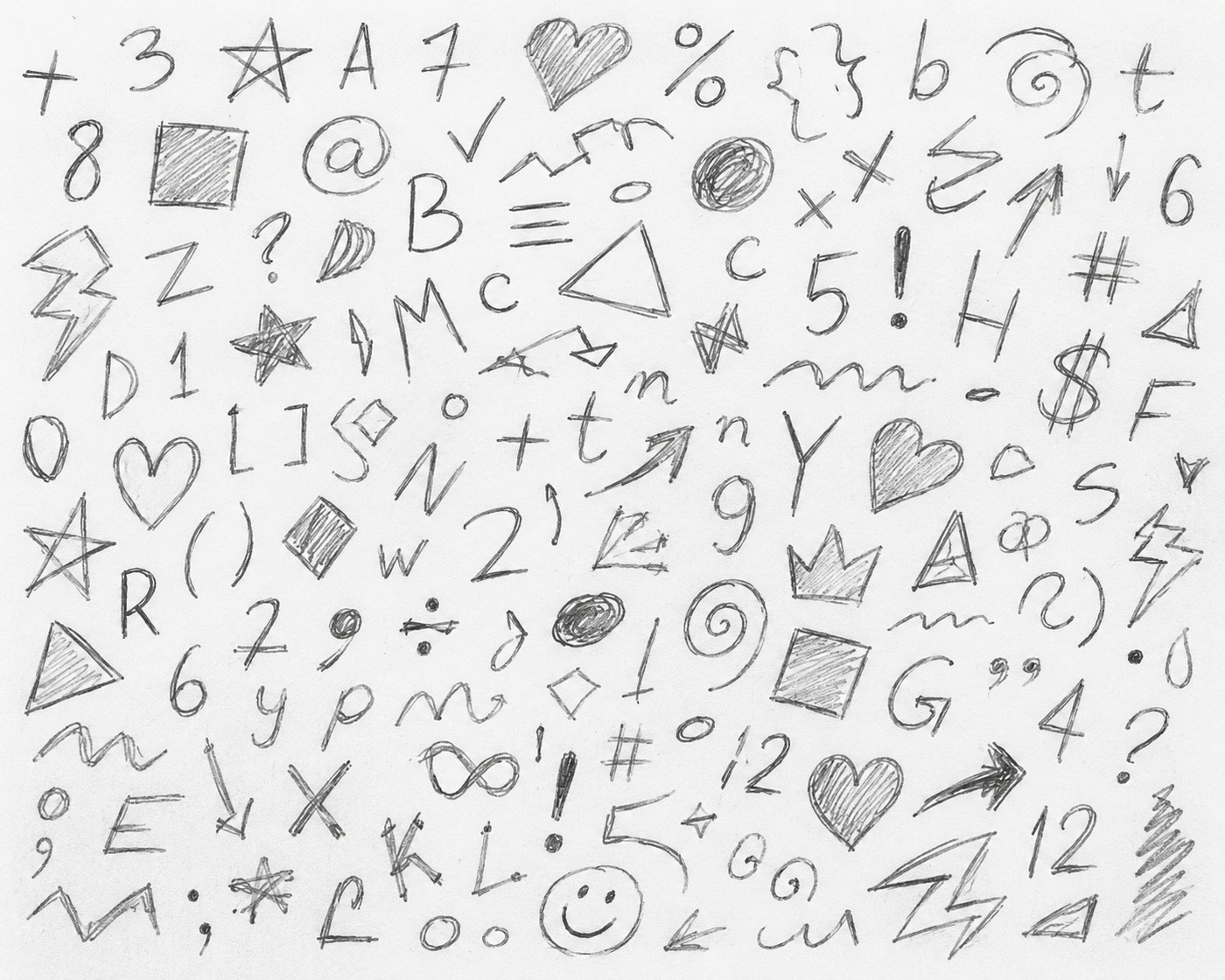
Photograph your surface, overlay a smart grid and ghosted reference, then trace square by square — the classic method, minus the measuring. Works in any browser, on any phone.
② AR Sketch PRO
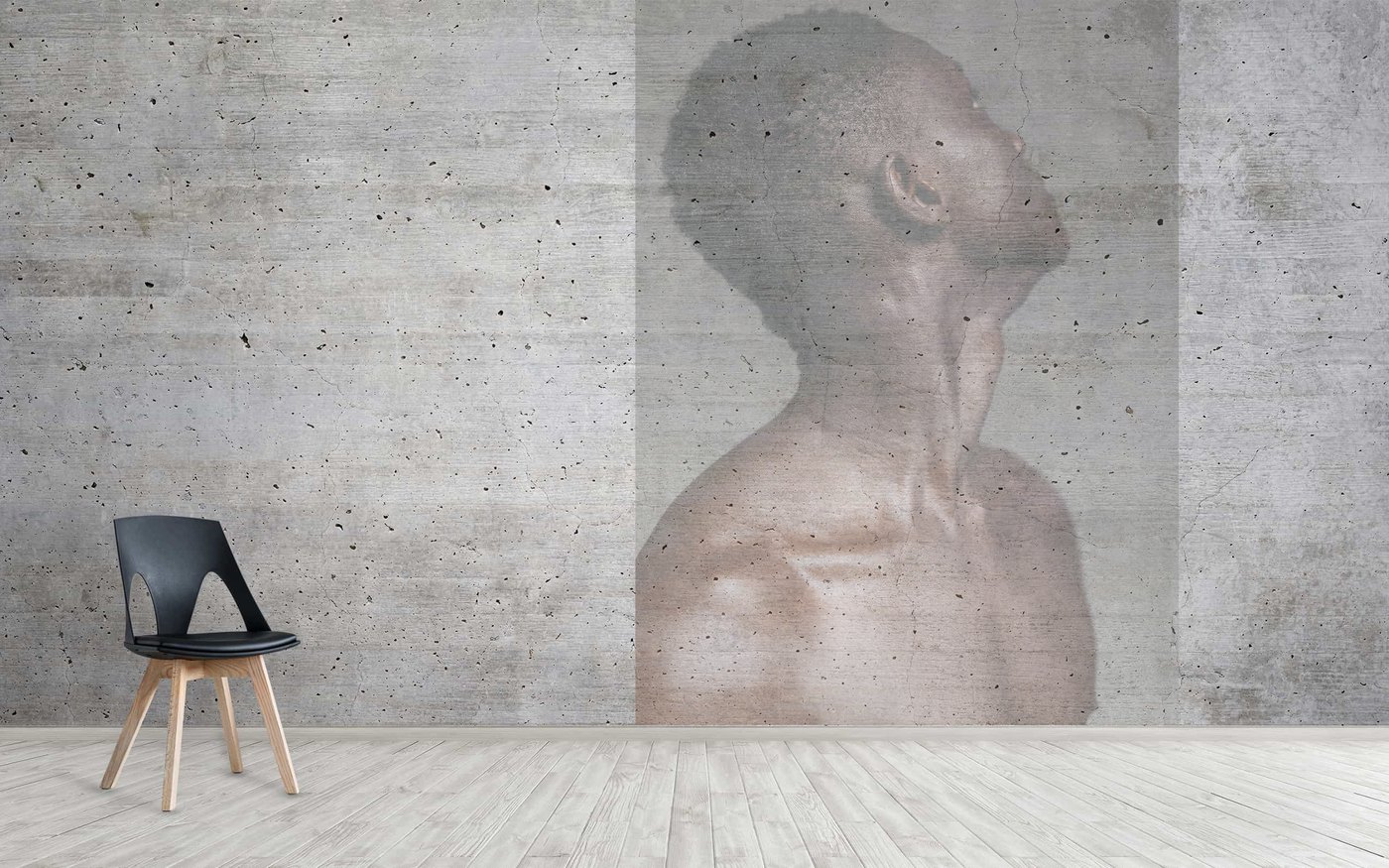
The reference doesn't sit on your screen — it sits on your actual surface, anchored in 3D and held in true perspective as you move. Calibrate the wall once, then trace like a projector was always there.
Measure the wall.
Draw with precision.
Most AR drifts because it guesses how far away your wall is. Diah Sketch measures it — you mark the real corners and physically touch the surface, so the projection sits exactly where you put it.
Mark the 4 points
Tap the four corners of the area that will receive the artwork. Start at the upper-left, and tap the wall itself — not objects in front of it.
Review the mesh
Nudge any corner with the arrows at your chosen precision. Small corrections now make the projection far more stable later.
Touch the wall
Move the phone until it touches the surface and confirm. This gives a true depth reading — the step that stops the image sliding as you move.
Lock and trace
Drop your artwork in, set the guide opacity, and start drawing. Adjust depth, tilt and wrap live while you work.
Everything you need
to hold the line.
Symbol tracking
Draw one small symbol — or three at the corners — and the reference follows your paper when it moves or turns.
Any surface
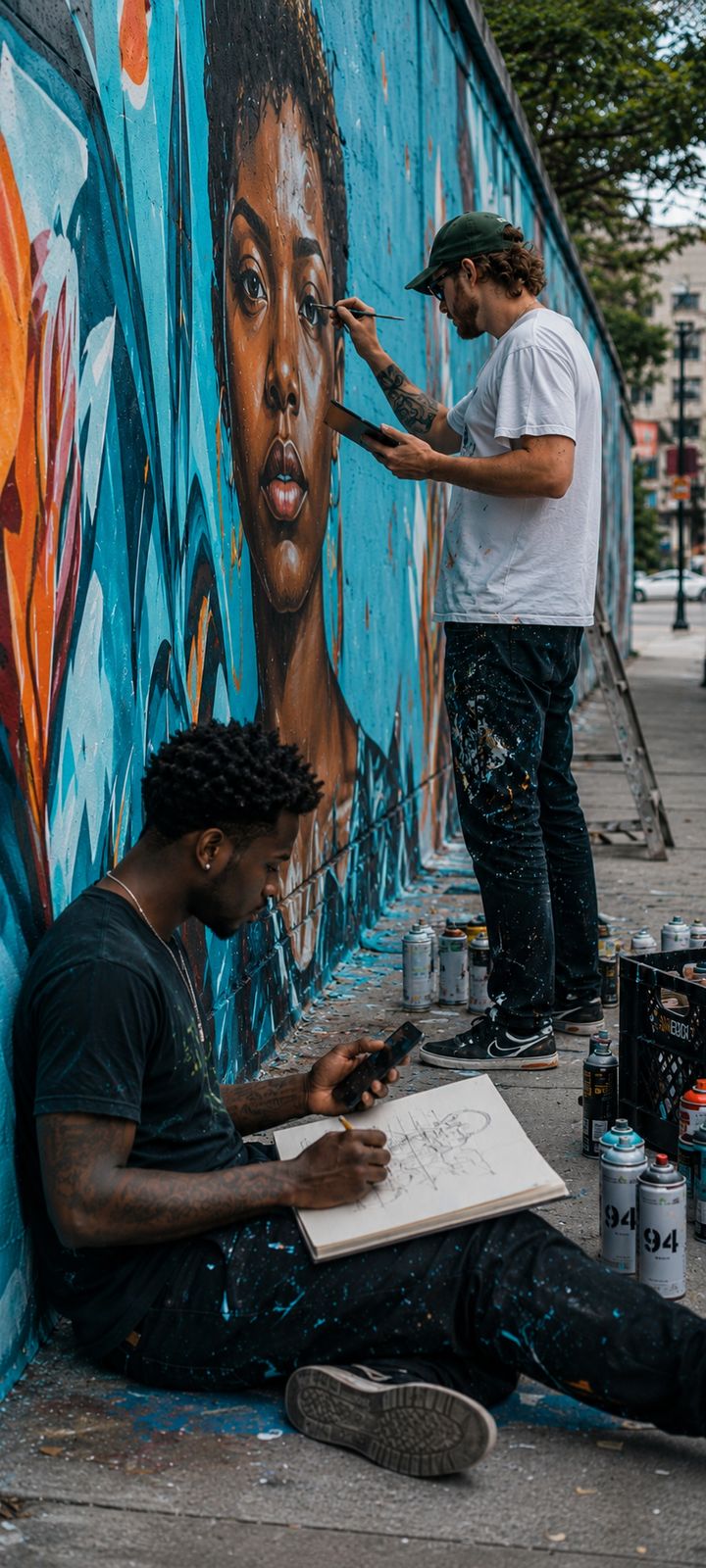
Paper, canvas, flat walls, curved walls, columns and inside corners — with live wrap controls to hug the surface.
Process recording
Real-time or time-lapse, saved straight to your camera roll — and it can record only your sketch, without the overlay.
Guide brightness
True gamma correction lifts the shadows of dark references so every detail stays readable on your surface.
Pin mode
Prop the phone, tap Pin, and the guide freezes over the live view — rock-steady for close-up detail passes.
Works offline
Installs as an app, keeps your projects on-device, and your artwork is never uploaded anywhere.
Start free.
Upgrade when you're hooked.
Scribble Mapping is free forever, and AR includes sample line-art so you can try it before you pay. Pro unlocks your own images and the full toolset.
- Everything in Free
- Your own images in AR
- All surface modes
- Process recording
- Everything in Free
- Your own images in AR
- All surface modes
- Process recording
- HD export
- Everything in Pro
- Pay once, keep forever
- All future updates
- Best value
Yearly available in-app at $39.99/yr · Secure checkout by Paystack · Cancel anytime
Questions,
answered.
Do I need to print anything?
No. Surface mode works by detecting the wall or table directly. If you want the reference to follow a moving sketchbook, you can draw one small symbol by hand — no printing required.
Will it work on a big mural wall?
Yes — that's what the wall calibration is built for. Mark the corners of your working area, touch the wall to set the depth, then lock. For long sessions, prop the phone and use Pin mode.
Does my artwork get uploaded anywhere?
No. Your images and projects stay on your device. We only handle your email address for unlocking Pro after a purchase.
Which phones support AR?
Recent iPhones and ARCore-supported Android devices. Phones with LiDAR track plain walls noticeably better. If your device doesn't support AR, Scribble Mapping still works everywhere.
How do payments and unlocking work?
You purchase on this website through Paystack, then open the app, tap Restore / Activate Pro, and enter the same email. You'll get a link and a 6-digit code to unlock instantly.
Put your reference
on the real thing.
Open Diah Sketch in your browser and transfer your first piece in minutes — no download, no sign-up.
Open Diah SketchDRAW SMARTER · SKETCH FREELY